
Connect to Operto Teams to LiveRez
Complete these steps then sign up below.


These instructions are for customers who have completed an initial demo of Operto Teams.
If you have not yet had a demo, please schedule one before signing up:
Request a Demo
Step 1
In your LiveRez account, navigate to Marketing --> Integration Marketplace.

Step 2
Find and click on the VRScheduler tile.

Step 3
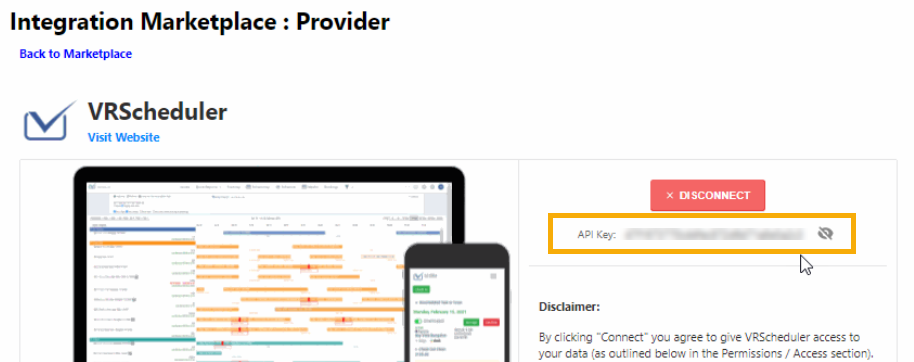
Click Connect, then view and copy your LiveRez API Key.
Copyright © Operto Teams 2026